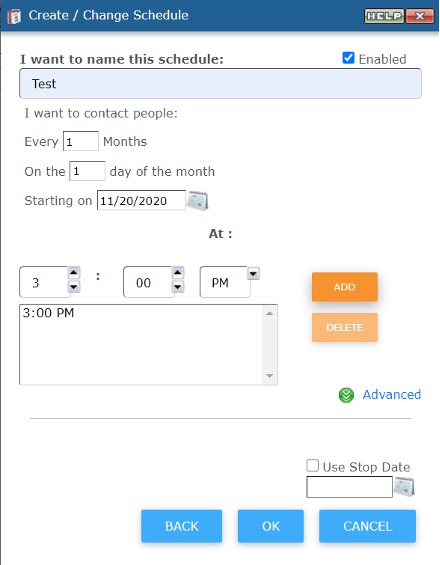
To create a repetitive schedule, click the PLUS button in the Schedules box. See screenshot below (plus button is outlined in red):
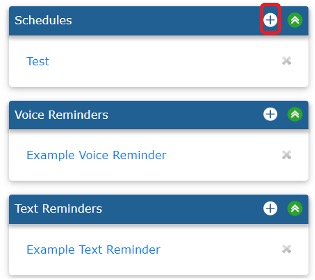
From there, make your selection then click next.
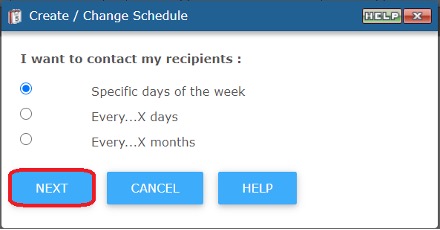
Example if you choose Specific day of the week
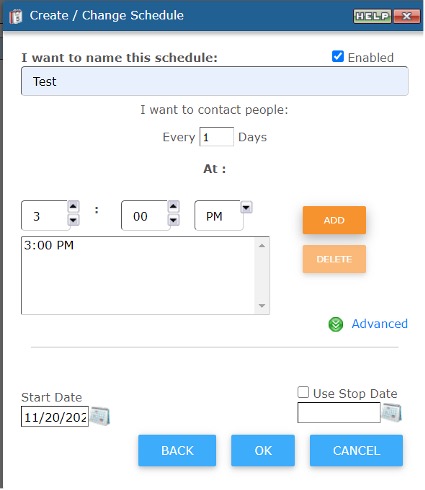
Example if you choose Every...X Day
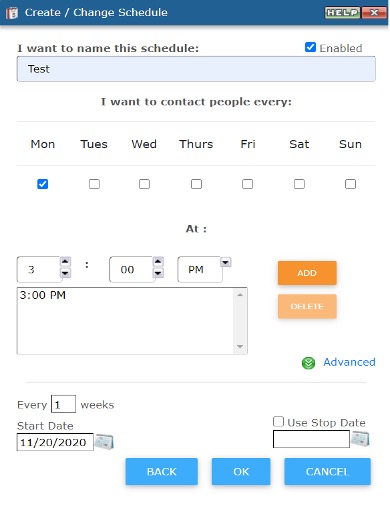
Example if you choose Every...X Months