To edit or delete an existing schedule, follow these steps:
Click SCHEDULE CALL DELIVERY from the Campaign Checklist
Click the schedule you want to change and click EDIT.
Click the schedule you want to delete and click DELETE.
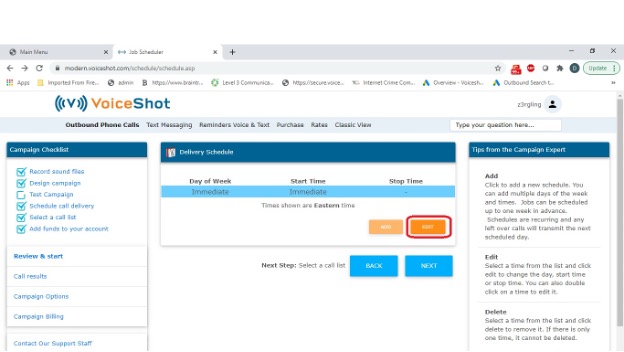
To edit or delete an existing schedule, follow these steps:
Click SCHEDULE CALL DELIVERY from the Campaign Checklist
Click the schedule you want to change and click EDIT.
Click the schedule you want to delete and click DELETE.