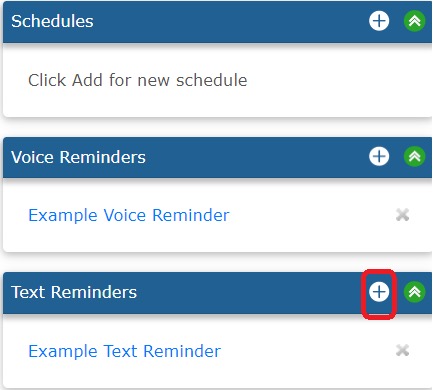
To create a new Text Reminder, click the PLUS button in the Text Reminders box. See screenshot below:
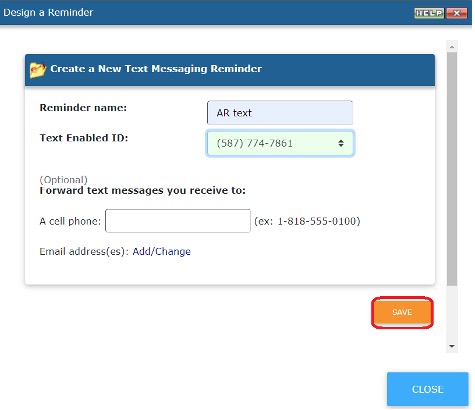
On the next screen you will name your reminder and select your text enabled ID. Once finished, click SAVE.
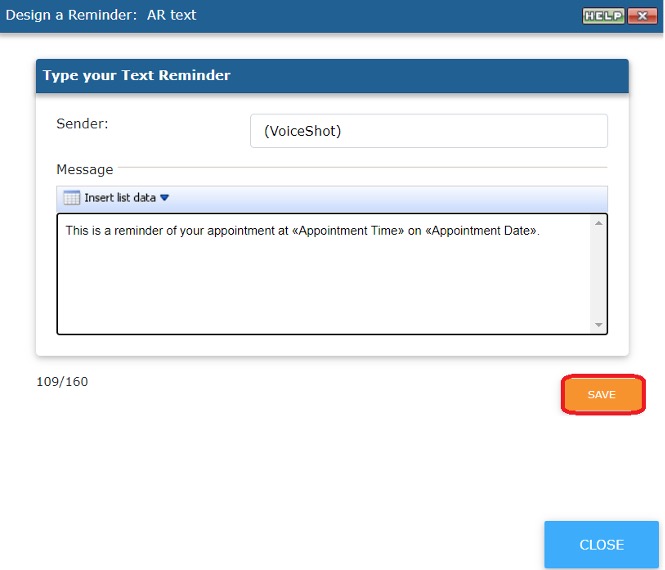
On the next page you will be able to type your message. If you wish to insert variables into your message, click on  . Click SAVE when done. See screenshot below (SAVE outlined in red):