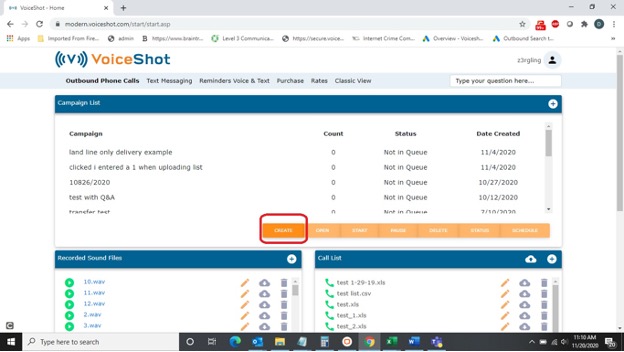
Creating an Outbound Campaign February 03, 2021 19:32 Updated To create and outbound campaign, follow these steps: Click on the orange CREATE button in the CAMPAIGN LIST section of the dashboard. Follow the step-by-step prompts to create your voice campaign. Related articles Review and Start Recording Sound Files What is an Outbound Campaign? Design Campaign Call Result Codes